Running a gym? Automating your SMS communication can save you time and improve member engagement. Zapier’s SMS integration allows gym owners to connect their fitness CRM (like Mindbody or Zen Planner) with SMS platforms, enabling automated workflows for tasks like class reminders, payment updates, and promotions. No coding skills? No problem – Zapier’s "Zaps" make it easy to set up triggers (like a new member signup) and actions (like sending a personalized welcome text).
Why It Matters:
- 98% SMS open rate: Messages are read within minutes, making them perfect for time-sensitive updates.
- Boost retention: Automated SMS campaigns can reduce no-shows by 25% and increase customer engagement by 45%.
- Saves time: Automate repetitive tasks like reminders and follow-ups, freeing up staff for other priorities.
What You Need:
- Zapier account: Manage workflows and connect apps.
- SMS provider: Services like RevText offer gym-specific tools like keyword replies and MMS support.
- Fitness CRM: Access member data to trigger automated messages.
Example Workflow:
- A new member signs up in your CRM.
- Zapier triggers an SMS via RevText: "Welcome to FitLife Gym, Sarah! Your first class is on us."
Compliance Tips:
- Always include opt-out instructions (e.g., “Reply STOP to unsubscribe”).
- Send messages at appropriate times (8 AM–9 PM local time).
- Keep detailed records of consent and opt-outs.
Automating SMS with Zapier and RevText makes managing gym communication easier, more effective, and compliant. Start small with key workflows like welcome texts or class reminders, and scale as you go.
Automate SMS In 5 Minutes: Quick Zapier Setup (No Coding)

Getting Started with Zapier for SMS Automation
Getting started with SMS automation using Zapier is simpler than you might think. You’ll need just three main tools, and once you have them, connecting everything is a breeze.
What You Need for Zapier SMS Integration
To set up your automation, you’ll need three essentials: a Zapier account, an SMS service provider, and access to your fitness CRM. Each plays a key role in streamlining communication for your gym.
Zapier Account
Start by creating a free Zapier account to test basic workflows like welcome messages or class reminders. If you need more advanced features or higher task limits, you can always upgrade to a paid plan later.
SMS Service Provider
Choose an SMS provider that fits the needs of your gym. For example, RevText offers features like automated workflows, keyword-based replies, MMS support, and compliance tools to handle your communications effectively.
Fitness CRM Access
Your fitness CRM will act as the source of data that triggers automated messages. Popular gym management systems like GymMaster, Trainerize, and MindBody work seamlessly with Zapier. Make sure you have admin access and any necessary API credentials.
| Component | Purpose | Cost Range |
|---|---|---|
| Zapier Account | Connects apps and manages workflows | Varies by plan |
| SMS Provider | Sends messages and ensures compliance | Custom pricing – contact for details |
| Fitness CRM | Stores member data and triggers events | Varies by provider |
Phone Number Format
To ensure reliable SMS delivery in the U.S., format all numbers in the E.164 standard, like this: +1XXXXXXXXXX.
Understanding Triggers and Actions in Zapier
Zapier workflows, known as “Zaps,” are built around two core components: triggers and actions. A trigger might be a new member signup, while an action could be sending a personalized welcome SMS through RevText. These workflows can pull data directly from your CRM to create tailored messages.
Triggers
Triggers are events in your fitness CRM that kick off an automated workflow. For example, when a new member signs up, books a class, or misses a payment, these events can act as triggers. If someone signs up in GymMaster, it could trigger a welcome SMS automatically.
Actions
Actions define what happens after a trigger. Typically, this involves sending an SMS through your chosen provider. For instance, RevText can send a welcome message, a class reminder, or a payment notification. It also supports advanced features like keyword-based replies or MMS messages with videos.
Here’s an example: When a new member signs up on your website (triggered by GymMaster), Zapier can send a personalized SMS via RevText (the action). The message might say, “Welcome to FitLife Gym, Sarah! Your first class is on us. Reply YES to confirm your spot in tomorrow’s 6 PM yoga session.”
Data Mapping
Data mapping allows you to pull specific details from your CRM – like a member’s first name, class time, or trainer’s name – to personalize messages. This extra touch can make your communication feel more engaging and relevant.
To make the most of automation, start by focusing on key gym events that benefit from immediate communication. Examples include onboarding new members, sending class reminders, or notifying members of payments. Once you’re comfortable with these basics, you can explore more advanced workflows, like re-engagement campaigns for inactive members or promotions tailored to specific groups.
Next, we’ll walk you through creating your first Zap to automate these tasks.
"We met with the team at RevText and they took all of the learning curve out of the equation and created a tailored game plan for our needs. No more struggling with learning the technology and throwing money down the drain." – Justin Littlejohn, SaaS Sales
Step-by-Step Guide to Setting Up Zapier SMS Workflows
Ready to set up your first automated SMS workflow? With Zapier, you can get everything up and running in just 10–15 minutes. Let’s dive in.
Creating a New Zap
First, log in to your Zapier account and click "+ Create Zap" at the top left of your dashboard. This will open the Zap editor, where you’ll build your workflow.
Start by selecting your gym CRM as the trigger app. Search for your fitness management system – whether it’s Mindbody, ClubReady, or RevText if you’re using it as your CRM – and click on it.
Next, choose a trigger event. Common options for gym SMS automation include new membership signups, class bookings, appointment reminders, and membership renewals. For this example, let’s go with "New Membership Signup" since welcome messages are key to engaging new members.
Now, connect your CRM account to Zapier. You’ll need to enter your API credentials or authorization details, which are typically found in your CRM’s settings under "Integrations" or "API Access." Once connected, click "Test Trigger" to confirm Zapier can pull data from your CRM. You should see sample member data, which means the connection is working correctly.
To keep things organized, give your Zap a clear name like "Welcome SMS for New Members" or "Class Reminder Automation." This makes it easier to manage multiple workflows and helps your team quickly understand what each Zap does.
With your trigger set, it’s time to connect your SMS service and complete the workflow.
Connecting to an SMS Service
Next, you’ll link your SMS provider. For the action step, click "Choose App & Event" and search for "RevText" in the app list. RevText integrates seamlessly with Zapier and offers gym-focused features like automated workflows, keyword replies, MMS support, and compliance tools.
To connect your RevText account, enter your API token or authorization credentials. You can find these in your RevText dashboard under account settings or integrations. Once connected, you’ll have access to RevText’s powerful SMS marketing tools, designed specifically for gym owners.
Here’s where personalization comes in. Map fields such as Member Name, Phone Number, Class Details, and Gym Location to create tailored messages. Customizing your SMS content like this can make a big difference in engagement and response rates.
Testing and Activating the Workflow
Before going live, test your Zap using Zapier’s built-in testing feature. Simulate your trigger event with sample CRM data to ensure everything works smoothly.
Zapier will pull sample member information and send a test SMS to the designated phone number. Check the message to confirm that all mapped data fields are correctly populated and that phone numbers are formatted properly.
If you notice any issues – like missing data fields or formatting errors – go back and adjust the mapping. For example, incorrect phone number formats or empty name fields can lead to awkward or incomplete messages.
Once the test SMS looks good, toggle your Zap "On" in the Zapier dashboard. Your automation is now live and will run whenever the specified event occurs in your CRM.
To ensure everything’s working as intended, start with a small test group. Monitor the timing and content of the first few automated messages closely. This will help you catch any potential issues before rolling it out to your entire member base.
Finally, set up notifications for Zap failures. Zapier will email you if there’s a problem with your workflow, so you can address issues quickly and keep your member communications running smoothly. With this setup, you’ll have a reliable and personalized SMS system that enhances your gym’s operations and member engagement.
sbb-itb-9f7e00b
Best Practices for Managing SMS Campaigns
Running an effective SMS campaign takes careful planning, a personal touch, and constant fine-tuning based on how well your messages perform.
Setting Up Key Triggers
The most successful gym SMS campaigns are built around important moments in the member journey that encourage engagement and loyalty. For instance, sending class reminders 2–24 hours before a session often leads to high response rates – experiment with different timeframes to find what works best. Similarly, payment confirmations sent 3–5 days before due dates give members enough time to update their payment details or resolve any issues.
Triggers can also help re-engage inactive members. For example, automate membership renewal alerts 7–14 days before expiration. This timing provides room for follow-ups, reducing the risk of membership lapses.
New member onboarding is another area where triggers can shine. Beyond a simple welcome message, schedule follow-ups at key intervals – like day 3, week 1, and week 2 – to share class recommendations, introduce trainers, and offer tips for navigating the gym.
Personalizing SMS Content
Generic messages often get ignored, but personalized ones can grab attention and drive action. Include member-specific details, like: "Hi {{MemberName}}, your {{ClassType}} class with {{InstructorName}} starts in 2 hours!"
Segmentation is also key. Tailor your messages based on member activity and preferences. Active members might enjoy updates about new classes or programs, while new members might need information about gym policies or class descriptions. Long-time members? They’d likely appreciate exclusive perks or early access to new services.
For even greater customization, use tools like Zapier’s conditional logic to send messages based on membership tiers or preferences. For example, premium members could receive sneak peeks of upcoming classes, while others might get general promotions.
Monitoring and Improving Campaigns
Once your messages are personalized, the next step is to continuously improve their performance. Start by tracking key metrics like delivery rates, which should stay above 95%. If they dip, check for issues like incorrect phone numbers or carrier-related problems.
A/B testing is another powerful tool. By creating duplicate workflows in Zapier, you can test different message variations to find the best-performing content, timing, or call-to-action. For example, class confirmations often see engagement rates between 15–40%, depending on how well the timing and content resonate with members.
Click-through rates on embedded links can also reveal what’s working. If a registration link isn’t performing well, it may be time to rethink your offer or adjust when the message is sent.
Member feedback is equally important. Keep an eye on responses and adjust your message frequency – sending no more than 2–3 texts per week can help avoid overwhelming your audience. Use your SMS platform’s analytics to spot trends and fine-tune your approach, focusing on what drives bookings, renewals, or other positive outcomes.
Following SMS Compliance Rules
Compliance isn’t just important – it’s non-negotiable. Violating rules like the TCPA can lead to fines of up to $1,500 per message. To stay compliant, always include clear opt-out instructions, such as "Reply STOP to unsubscribe." Automate this process in Zapier so members who opt out are immediately removed from future campaigns.
Make sure you have explicit written consent before adding anyone to your SMS list. This could be as simple as including an SMS consent checkbox in your membership forms or online sign-ups.
Timing matters, too. Only send messages between 8 AM and 9 PM in each member’s local time zone. Use tools like Zapier’s delay actions to ensure messages go out at appropriate times, even if a trigger event happens outside these hours.
Keep detailed records of member consent and opt-out requests. Your SMS platform should track opt-ins, opt-outs, and keyword responses to ensure compliance.
Lastly, separate transactional messages (like class reminders or payment confirmations) from promotional ones. Transactional messages generally have fewer restrictions, while promotional texts require explicit consent and stricter compliance. Using an SMS provider with carrier-verified A2P 10DLC messaging can help improve deliverability and meet carrier guidelines, especially for high-volume campaigns or those targeting members across multiple carriers.
Using RevText for SMS Automation
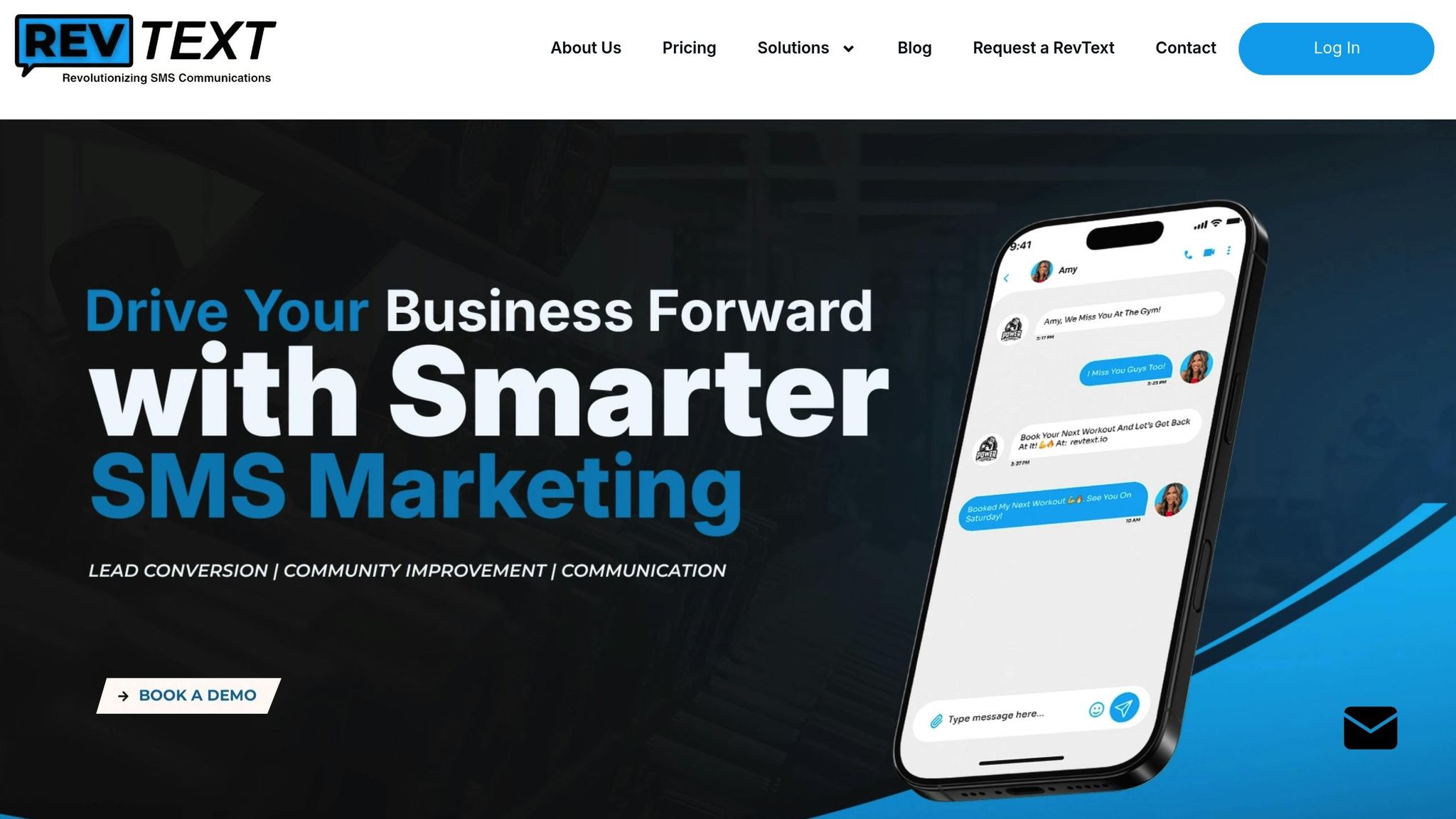
RevText makes SMS marketing straightforward for gyms by combining automation tools with a focus on the fitness industry. Designed specifically for gym owners, it tackles challenges like member engagement, retention, and compliance with features tailored to fitness operations. Building on the capabilities of Zapier, RevText fine-tunes SMS automation with workflows crafted specifically for gym needs.
Setting Up Workflows with RevText
RevText’s automated workflows simplify SMS campaigns by integrating seamlessly with Zapier to handle everyday gym scenarios. For example, when a new member joins through your fitness CRM, Zapier can prompt RevText to send a personalized welcome message. This message might include class schedules and an app download link, helping new members feel welcome and informed from day one.
You can also customize onboarding workflows to send timely follow-up messages, like check-ins or class recommendations. These strategies not only simplify processes but can also significantly improve retention. For instance, in January 2025, a boutique gym in Austin, Texas, implemented this approach and saw class attendance jump by 25% and member churn drop by 15% within just three months.
Using RevText’s Key Features
RevText is built with the practical needs of gym owners in mind. Its keyword reply feature allows members to text specific words – like "SUMMER" – to instantly receive discount codes or special offers. MMS support takes engagement a step further, enabling you to send visual content such as transformation photos, workout videos, or class schedules – formats that often outperform plain text in capturing attention.
The platform’s link tracking feature provides valuable insights into member behavior by monitoring click-through rates and conversions for promotional or registration links. Reporting tools let you analyze keyword responses, opt-out rates, and engagement metrics across various member groups. Plus, the RevText mobile app ensures you’re always connected, letting you monitor engagement, respond to inquiries, and tweak campaigns on the go. On top of this, RevText ensures all your messages comply with regulatory standards.
Compliance and Support with RevText
RevText doesn’t just automate workflows – it also simplifies compliance. The platform manages opt-in/opt-out processes, controls message frequency, and tracks consent automatically. It even handles 10DLC compliance, ensuring your messages are delivered reliably across major carriers.
In addition to these safeguards, RevText offers expert guidance for campaign planning. Their team, with over a decade of combined industry experience, helps with message timing, content creation, and audience segmentation. This support eliminates the typical 6- to 12-week learning curve of in-house SMS marketing.
"Their automation and scheduling features save us a ton of time, and customer engagement has definitely improved", says Marnus Schoeman, a Non-Profit user.
RevText’s approach combines advanced automation with access to experienced campaign strategists, ensuring workflows are tailored to your members and business goals. The platform also maintains detailed records of member consent and tracks opt-out requests, keeping you compliant with current regulations. For gyms managing multiple locations, RevText scales effortlessly, enabling bulk messaging while maintaining personalization and compliance across all branches.
Conclusion and Key Takeaways
Integrating Zapier’s automation tools with RevText’s SMS platform creates a seamless way for gym owners to simplify member communication while driving growth. By automating tasks like welcoming new members, sending class reminders, and promoting special offers, you save time and ensure consistent outreach – all without needing constant staff involvement.
When SMS messages are personalized with details like a member’s name, class schedules, or specific recommendations, engagement skyrockets. For example, SMS boasts an impressive 98% open rate compared to email’s 20%. Relevant and meaningful messages not only grab attention but also help reduce member churn, making them a powerful tool for retention.
Staying compliant is another essential piece of the puzzle. RevText takes care of managing TCPA, 10DLC, and opt-in/opt-out regulations automatically, so you can focus on crafting compelling messages instead of worrying about legal risks. This built-in compliance framework ensures trust and protects your business from costly penalties.
Automation, personalization, and compliance together foster long-term member relationships. Gyms leveraging automated SMS campaigns often see response rates climb as high as 45% and retention improve by up to 20% – results driven by consistent, well-timed communication.
If you’re ready to embrace SMS automation, start small by automating key interactions like welcoming new members or reminding them about classes. Track metrics such as delivery rates, click-through rates, and responses to fine-tune your strategy. Effective SMS automation isn’t about sending more messages; it’s about sending the right messages at the right time to create meaningful connections.
"SMS is native to everyone’s phones, it’s really important that automation functions and RevText delivers." – Neil Capano, Aviation News
FAQs
How can integrating Zapier with SMS campaigns help my gym improve member engagement and retention?
Integrating Zapier with your SMS campaigns is a game-changer for connecting with your gym members. With SMS boasting an impressive 98% open rate, it’s a direct and highly effective way to engage your audience. You can send personalized messages automatically, keeping members informed with timely updates, exclusive offers, and reminders that drive action.
This strategy not only keeps your members in the loop but also strengthens their sense of belonging. Whether it’s promoting limited-time deals, sharing class schedules, or announcing special events, SMS ensures your message gets noticed – and acted upon – without delay.
How can I set up an automated SMS workflow for my gym using Zapier and RevText?
Creating an automated SMS workflow for your gym can streamline communication and keep your members engaged. Start by linking Zapier with RevText. This integration connects your fitness CRM and other apps, ensuring your member data stays current and accurate. Once connected, you can automate tasks like sending SMS reminders, promotional updates, or follow-ups – no manual work required.
Next, use Zapier to set up triggers and actions that define your workflow. For instance, you can automatically send a welcome text to new members as soon as they sign up or notify existing members about class schedule changes. RevText offers tools like keyword replies and MMS support, making it easy to craft personalized, engaging messages that resonate with your audience.
By automating these processes, you’ll save time and energy, allowing you to focus on growing your gym while keeping members informed and connected.
How does RevText help gym owners stay compliant with SMS marketing regulations, and what are the best practices to follow?
Navigating the rules of SMS marketing can feel overwhelming, but RevText makes it easier by offering built-in tools and expert advice to keep your campaigns compliant. For gym owners, this means staying on top of key regulations like securing proper consent, honoring opt-out requests, and sticking to messaging limits.
Here are some essential tips to ensure compliance:
- Obtain clear consent: Always get explicit permission from members before sending them SMS messages.
- Provide an opt-out option: Every message should include a simple way for recipients to unsubscribe.
- Respect timing: Avoid sending messages during inappropriate hours to be mindful of your audience’s time.
With RevText’s compliance features, you can run effective SMS campaigns without worrying about the legal side. This way, you can focus on connecting with your gym members confidently and responsibly.